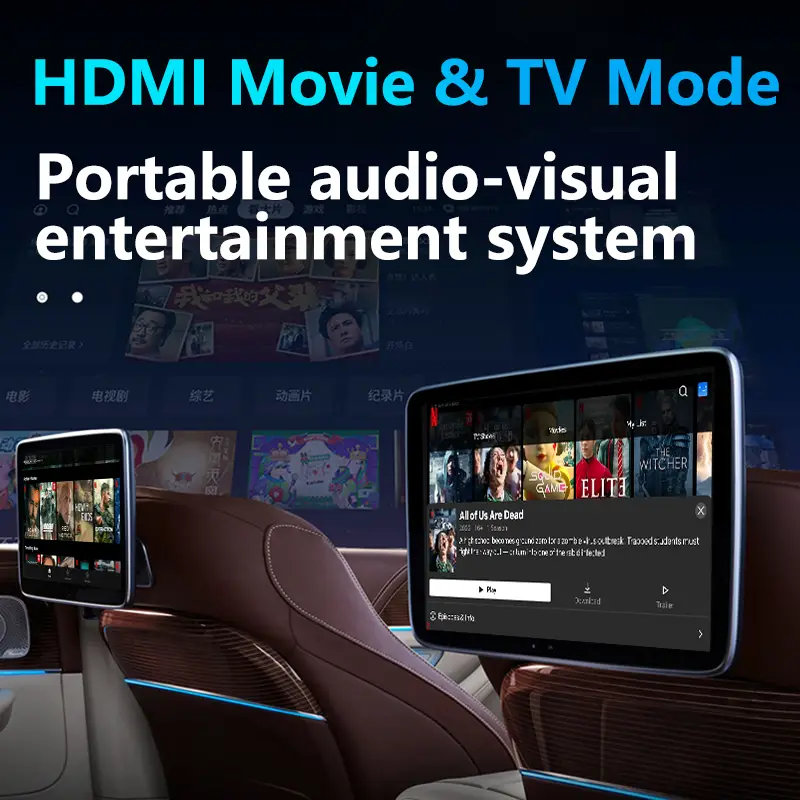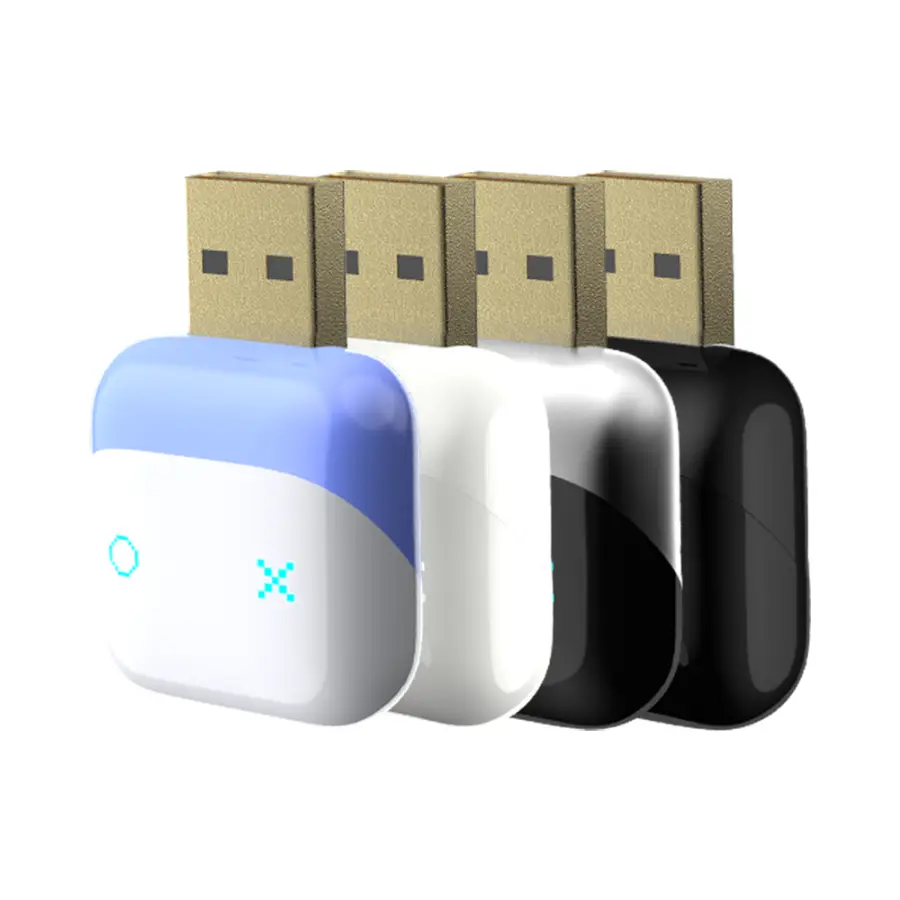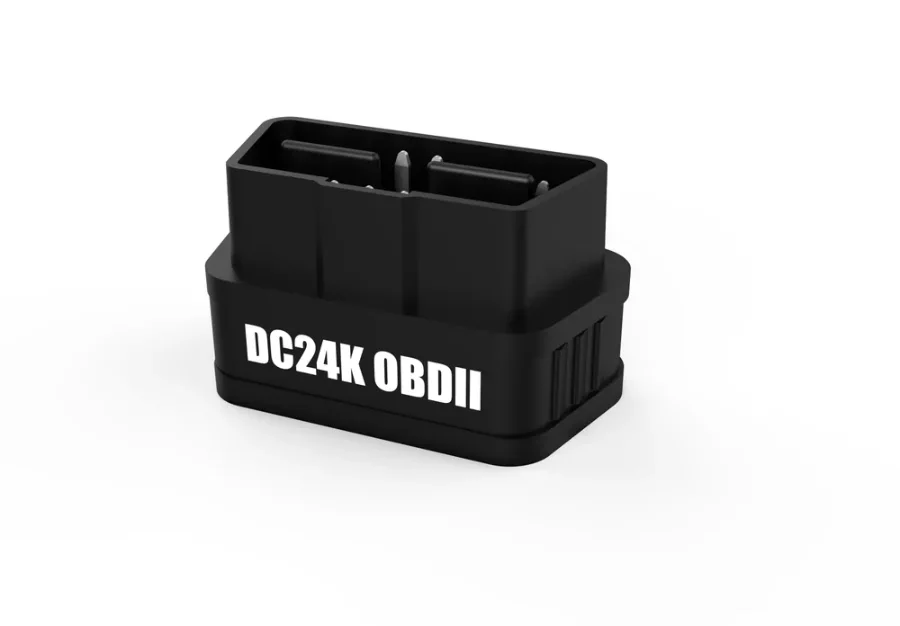
A CarPlay AI box runs a full Android system, so it can run the same OBD2 apps you would use on an Android phone. Add a small Bluetooth OBD2 adapter and the car's factory screen becomes a live dashboard for engine speed, coolant temperature, battery voltage and fault codes. For sellers, it is also one of the easiest bundles to demonstrate on video. This guide walks through the setup step by step.
What you can see on the car screen
With a DC24K-series adapter such as the KS-8809, an OBD2 app can show live data including:
- Engine speed (RPM) and ignition timing
- Coolant temperature
- Fuel trim and fuel consumption
- Battery or system voltage
- Freeze frame data and monitor tests
- Check-engine light (MIL) status and diagnostic trouble codes
- Acceleration tests, trip analysis and a HUD mode in apps that support them
What you need
| Item | Example | Notes |
|---|---|---|
| CarPlay AI box | GT6PRO, GT7S | Any of our Android 13 AI boxes |
| Bluetooth OBD2 adapter | KS-8809, KS-8812 | Bluetooth 5.4, 9–30V, PIC25K80 chip |
| OBD2 app | Car Scanner, Torque Pro, OBD Auto Doctor | Third-party apps; features vary |
| A car with an OBD2 port | Most cars: US from model year 1996, EU petrol from 2001 and diesel from 2004 | The adapter also supports 24V vehicles and the SAE J1939 protocol |
Bluetooth or WiFi adapter?
For an AI box, choose Bluetooth. The box already uses WiFi to talk to the phone for wireless CarPlay and Android Auto, and often to get online through the phone's hotspot. A WiFi OBD2 adapter would ask the box to join a different WiFi network, which can break those connections. WiFi adapters such as the KS-8810 are a better fit when the driver reads data on a phone instead.
Step-by-step setup
1. Find the OBD2 port
The OBD2 port is a 16-pin socket, usually under the dashboard on the driver's side, near the steering column. On some cars it sits behind a small cover.
2. Plug in the adapter and switch it on
Plug the adapter in firmly. The KS-8809 has a physical power switch – turn it on. Its LEDs show power and connection status.
3. Turn the ignition on
Switch the ignition on or start the engine. Many cars only power the diagnostic system when the ignition is on.
4. Install an OBD2 app on the AI box
Open the box's app store (or Google Play, if your model includes it) and install an OBD2 app. Apps such as Car Scanner and Torque Pro support ELM327-compatible adapters like the DC24K series.
5. Connect the adapter
How you connect depends on the adapter's Bluetooth type:
- Bluetooth Low Energy adapters (such as Bluetooth 5.x models) are usually selected inside the app: open the app's connection settings, choose Bluetooth LE and pick the adapter from the list.
- Classic Bluetooth adapters are paired first in the box's Bluetooth settings. If asked for a PIN, 1234 or 0000 are common – check the manual.
6. Let the app detect the protocol
Leave the protocol on automatic. The adapter supports the main OBD2 protocols – ISO 9141-2, ISO 14230-4 KWP, ISO 15765-4 CAN, SAE J1850 PWM and VPW, and SAE J1939 – and the app will find the right one.
7. Build your dashboard
Create a gauge screen with the few values that matter (see the next section). Large, simple gauges read better at a glance than a screen full of numbers.
8. Test before you rely on it
Drive a short route with a passenger watching the data, then turn the car off and on to check that the app reconnects.
Do not operate the app while driving. Set up the dashboard when parked, and let a passenger change screens.
Six gauges worth putting on screen
| Gauge | Why it matters | Typical reading |
|---|---|---|
| Coolant temperature | Early warning of overheating | About 85–105 °C once warm, depending on the car |
| Battery voltage | Shows charging problems and a weak battery | About 13.5–14.7 V with the engine running; about 12.6 V when off |
| Engine speed (RPM) | Smooth driving and shift points | Idle is usually roughly 600–900 rpm when warm |
| Fuel consumption | Real-world economy on each trip | Varies by car and driving |
| Fuel trim | Hints at air leaks or sensor issues | Values that stay far from zero are worth checking |
| Check-engine status | Know why the warning light is on | Read the code before clearing anything |
Typical ranges are general guidance. Always follow the car maker's specifications.
Reading and clearing fault codes
When the check-engine light comes on, the app can read the diagnostic trouble code (for example a P0xxx code) and show a short description. That helps a driver decide whether a problem is urgent. Clearing a code only turns the light off – it does not fix the cause, and the light will return if the fault is still there. Encourage drivers to read and note codes, then speak to a mechanic.
Troubleshooting
The app cannot find the adapter
- Check that the adapter's power switch is on and the ignition is on.
- For Bluetooth LE adapters, connect inside the app, not in system Bluetooth settings.
- Close other apps that may already be connected to the adapter, including a phone nearby.
Connected, but no data
- Set the protocol to automatic and retry with the engine running.
- Some data is not available on every car. Try a basic value like RPM first.
It disconnects when the engine starts
The car's voltage dips during cranking, and the box may restart. Start the engine first, wait for the box to reconnect to the phone, then open the OBD app.
Worried about the battery
The KS-8809 draws only about 20 mA and has a physical switch, so the adapter can stay plugged in and be switched off when the car is parked for long periods.
Turning it into a bundle
- Test the exact combination of box, adapter and app before you list it, and record a short demo video.
- Put a pairing card in the box with the four connection steps and a recommended app.
- Write the listing around outcomes – "see engine temperature and fault codes on your car screen" – rather than protocols.
- Bundle a Bluetooth model, not WiFi, for the reasons above.
Ask us for AI box + OBD2 bundle pricing. We can test your chosen combination before you order.
Questions buyers ask
Does this work with every car?
It works with cars that have a standard OBD2 port and use one of the supported protocols – most cars from model year 1996 in the US, and petrol cars from 2001 and diesel cars from 2004 in the EU. Not every car reports every value.
Will the OBD2 adapter drain the car battery?
The KS-8809 draws about 20 mA and has a physical power switch. Switch it off if the car will be parked for a long time.
Can I see OBD2 data inside CarPlay without an AI box?
CarPlay only allows certain types of apps, so full OBD2 dashboards are usually not available inside CarPlay. An AI box runs the full Android app on the factory screen.
Do I need internet to read OBD2 data?
No. The adapter talks to the app over Bluetooth. Internet is only needed to download the app or look up code descriptions online.
Can I clear the check-engine light with this?
Most OBD2 apps can clear codes, but that does not fix the fault. Read and note the code first, and have the cause checked.